How Glow You works

Glow You is self-serve. The Glow You app helps you book, access the studio and get started with your treatment, so you know what to do at each step.
Set up the app
Download the Glow You app from the App Store or Google Play and create your account before your first appointment.
Enter the studio
From 10 minutes before your appointment, open the app and follow the entry prompt. Hold your phone around 10–15 cm from the reader to unlock the front door. Head to your booked treatment room at your session time
Start your treatment

Choose your treatment and a time that suits you. You will only need to enter your details for your first booking.
Book your session

For spray tanning and WellFit Hydrate, use the reader at the booth to activate your session. For red light therapy, follow the app and in-room instructions to begin.
Your spray tan, guided
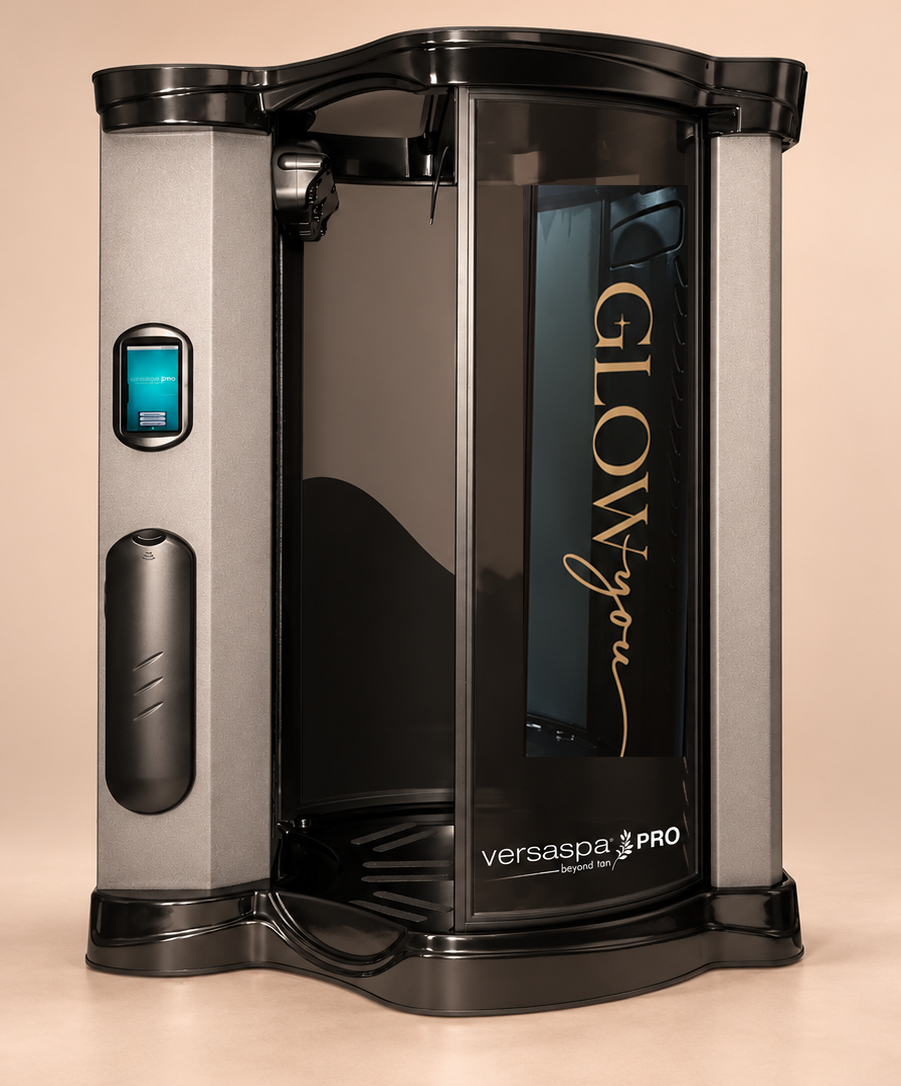
Choose your tone and depth, then let the voice-guided booth take care of the rest. Your treatment takes place in your own private room, with no therapist in the room, and takes around five minutes.
Follow the clear prompts as the booth guides you through each position, from primer through to tan with warm air drying sessions in between.
The booth will run a self-clean session once your treatment is complete.
Your red light session
Your app will direct you to the red light room, where you can get comfortable and follow the clear in-room instructions.
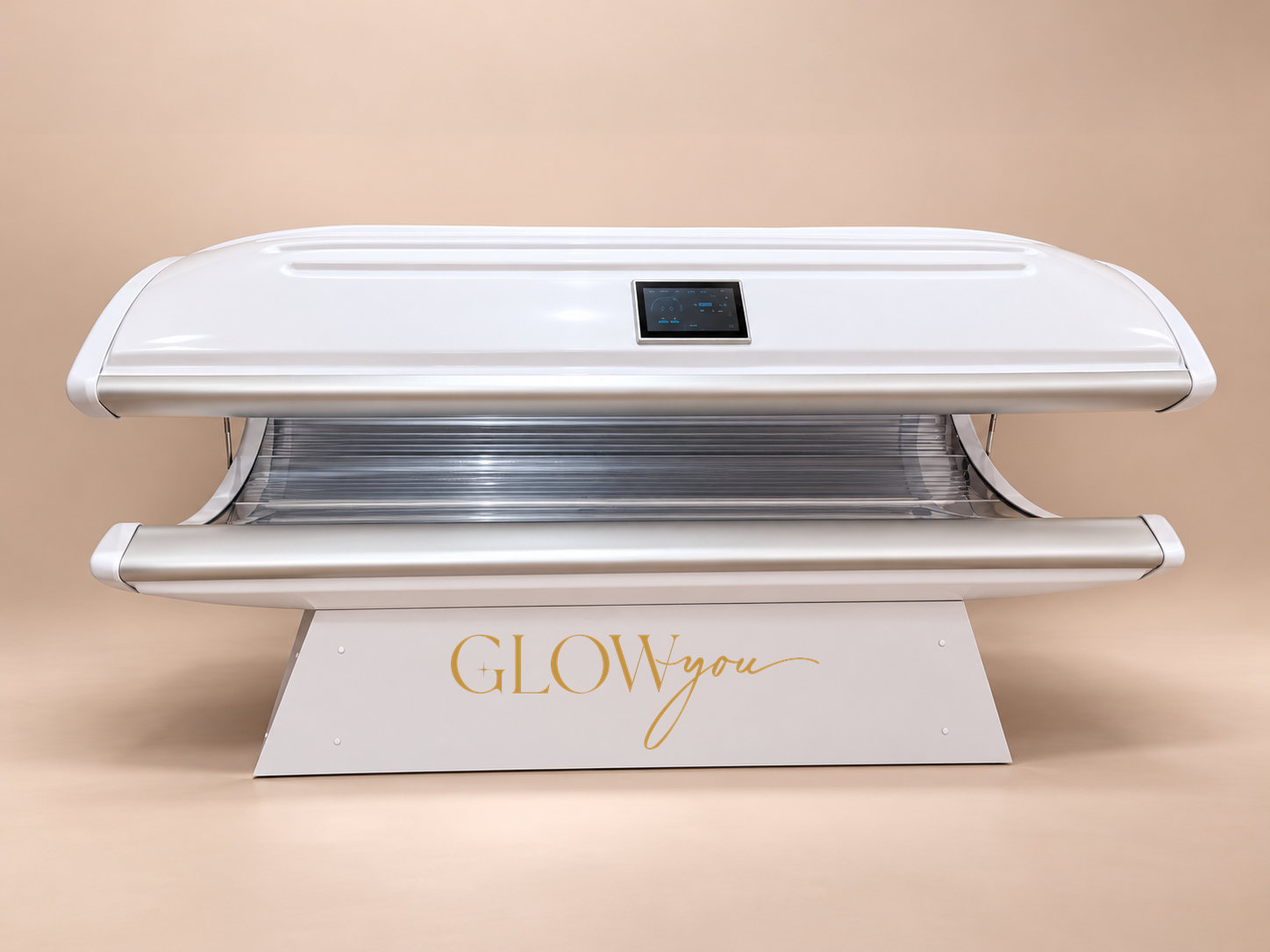
Enjoy a 20-minute full-body red light wellness treatment using red and near-infrared light to support skin health, muscle recovery and overall wellbeing.